13
NCBC Bulletin, Administistration & Other Uses
kmin edited this page 2025-12-03 09:00:15 -05:00
Problem:
- An easy way for visitors and members to download Sunday Service Bulletins
Solution Concept:
- Web application, accessible via url or qr code, so members and visitors can hit to download the "Sunday Service Bulletins" and other PDF documents
Solution:
Self Service Support
- To download latest bulletin ...
- Option 1: Link from https://start.newcovbap.church

- Option 2: QR Code on Sunday Morning
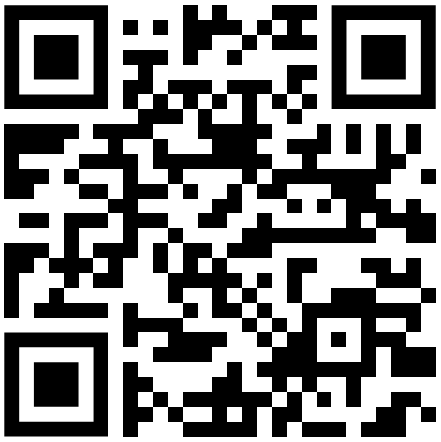
- [ Note: QR code is currently set to go to [https://](https://bulletind.bv.newcovbap.church/files/active.html ]
Web Application Admin Support
A. Login to Solution Administration Web Admin URL to Administer Solution
- Accessing Administration Page
- Option 1: Link from https://start.newcovbap.church

- Option 2: Directly via URL [ https://bulletind.bv.newcovbap.church ]
- Logging on to Web Admin
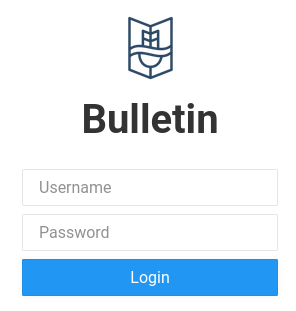
- Contact "Bulletin Admin" for username and password B. Uploading and making document available via Static URL or QR CODE
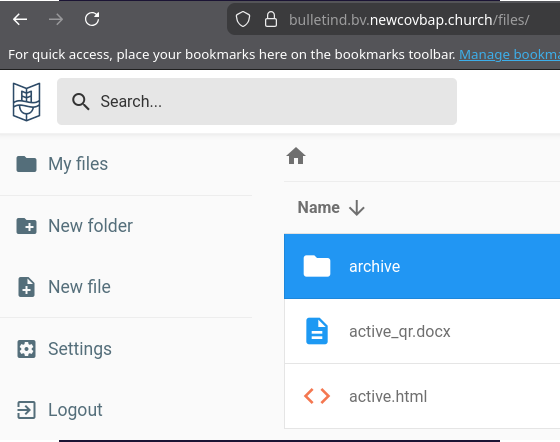
- Notice 2 items in the Folder Structure
- a. [ archive ] folder : This is where you will upload the sunday bulletins
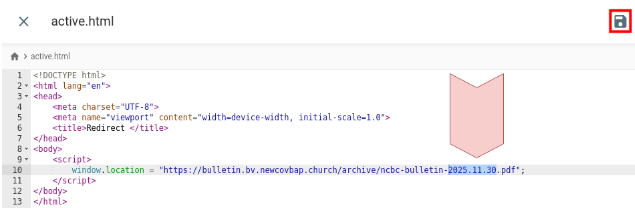
- b. [ active.html ] file : This is where you will "update" to tell the html to redirect to the latest bulletin name, e.g. ncbc-bulletin-2025.11.30.pdf
- Uploading document, i.e. pdf
- Select [ archive ] folder
- Select up arrow on right
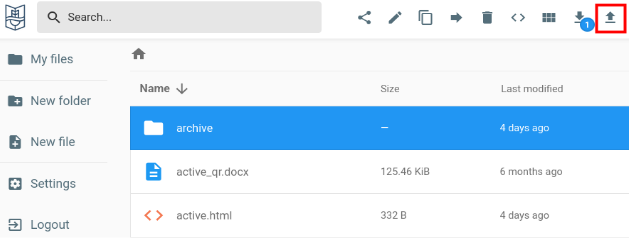
- Upload the latest bulletin. [ Be sure to follow the naming convention ]
- Change the [active.html], Update and Save.
-
-
Edit the <script> </script> section to redirect to your updated bulletin pdf file, i.e. ncbc-bulletin-2025.11.30.pdf
- Test following Self Service Support
Other Uses
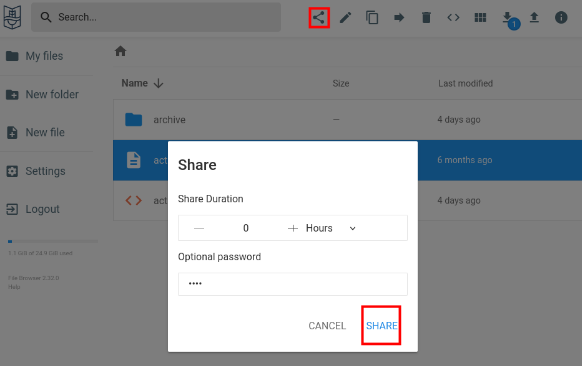
- Document upload, Get permanent link, generate QR Code to share
- "Bulletin" Web App Solution has the ability to upload and share documents as permanent links; permanent link can be used to generate QR codes to share.
- Even password can be set before people can download.
- Visit to the permanent url, visitor will be greeted with qr code
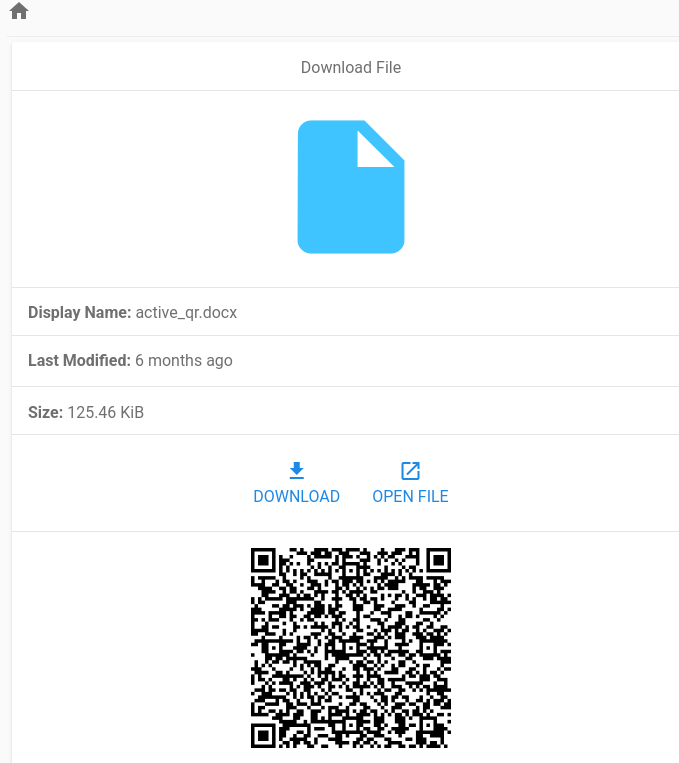
- Other ways to generate qr code, free web tools like https://www.qr-code-generator.com/, or use ncbc laptop with installed qr code generator in [Dev Toolbox], or other services. Key is that you need a permanent web url link.
- QR code capture, i.e. screen shot, then be shared.
Use Cases
- Create folder called NewsLetters, save dated html documents, get permanent links, generate QR CODE for members to download
- Create folder called MemberMeetings, upload MembersMeeting documents, get permanent links, generate QR CODE and share during members meeting
- Others...